PostalMate vs. PostalPoint
Choosing the right software is the most important decision for an independent pack-and-ship store. For decades, PostalMate has been the industry standard. But as technology evolves and customer expectations shift, many store owners are looking for an easier, more modern, cost-effective solution.
Is PostalPoint the right move for your store? Here is how the two platforms compare.
Point of Sale
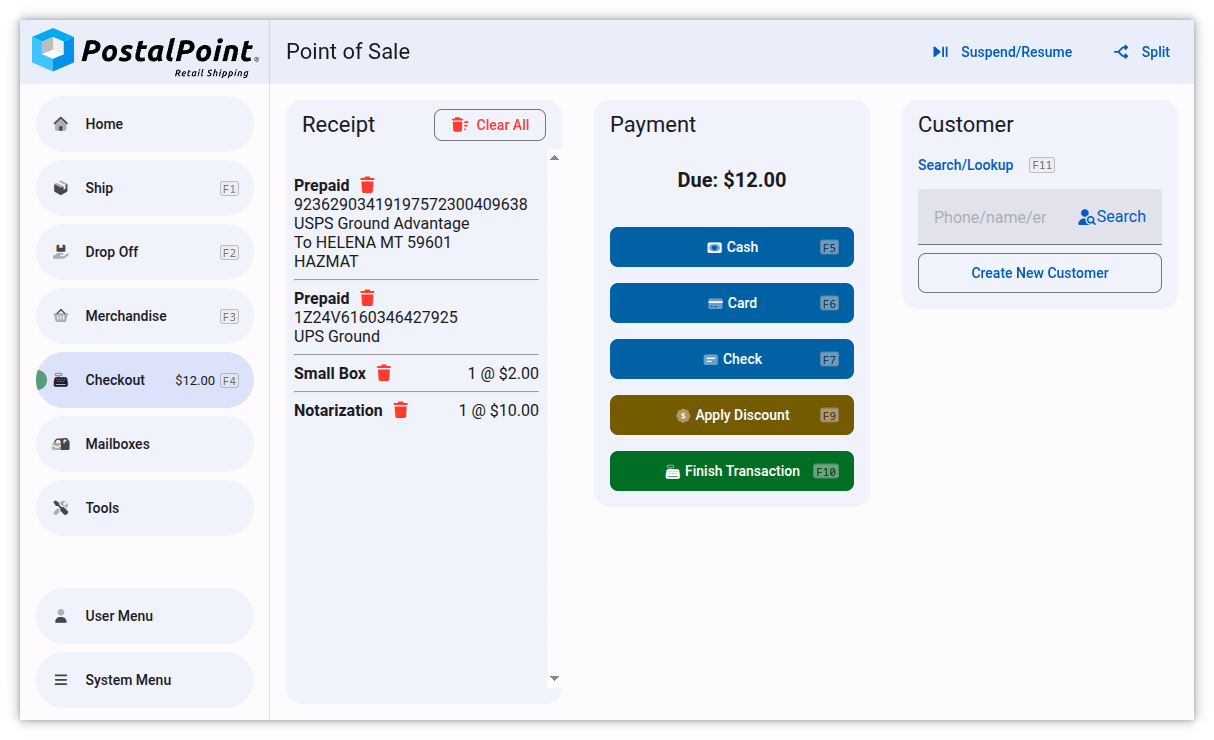
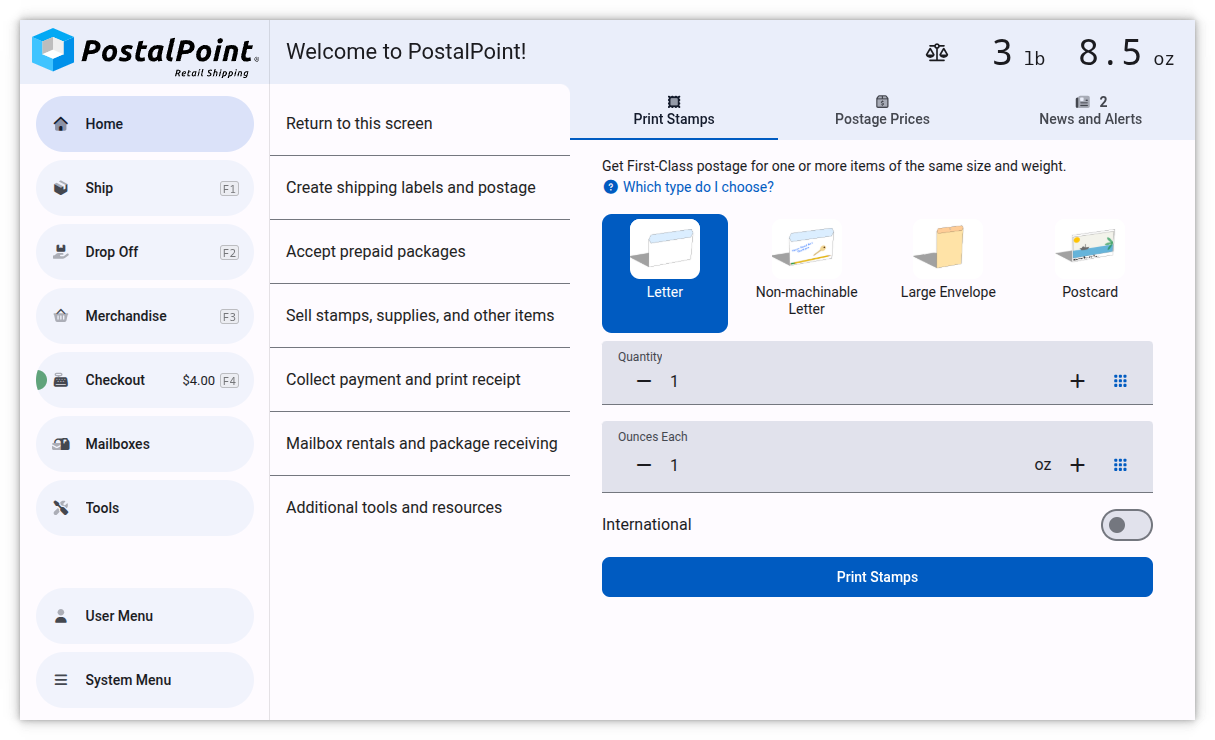
PostalPoint is designed as a fully-integrated point of sale for retail shipping businesses. Switch between the point of sale screen and the shipping or drop-off screen in a single click. Unlike PostalMate, you can use the credit card processor of your choice, even if support isn't built-in. This is possible with PostalPoint's plugin system, which allows anyone to integrate with the payment processor of their choice by writing a custom plugin.
Shipping
PostalPoint's shipping system is made with the goal that selling a shipping label should be as easy for you as shopping online. Unlike with PostalMate, you don't need to look up or enter customer information. Just start typing the package's return address and matching customers will be suggested as you type. If it's a new customer, you don't need to do anything. PostalPoint will automatically create their account for you when the sale is finished.
Just like with PostalMate, you can set custom shipping markup in PostalPoint.
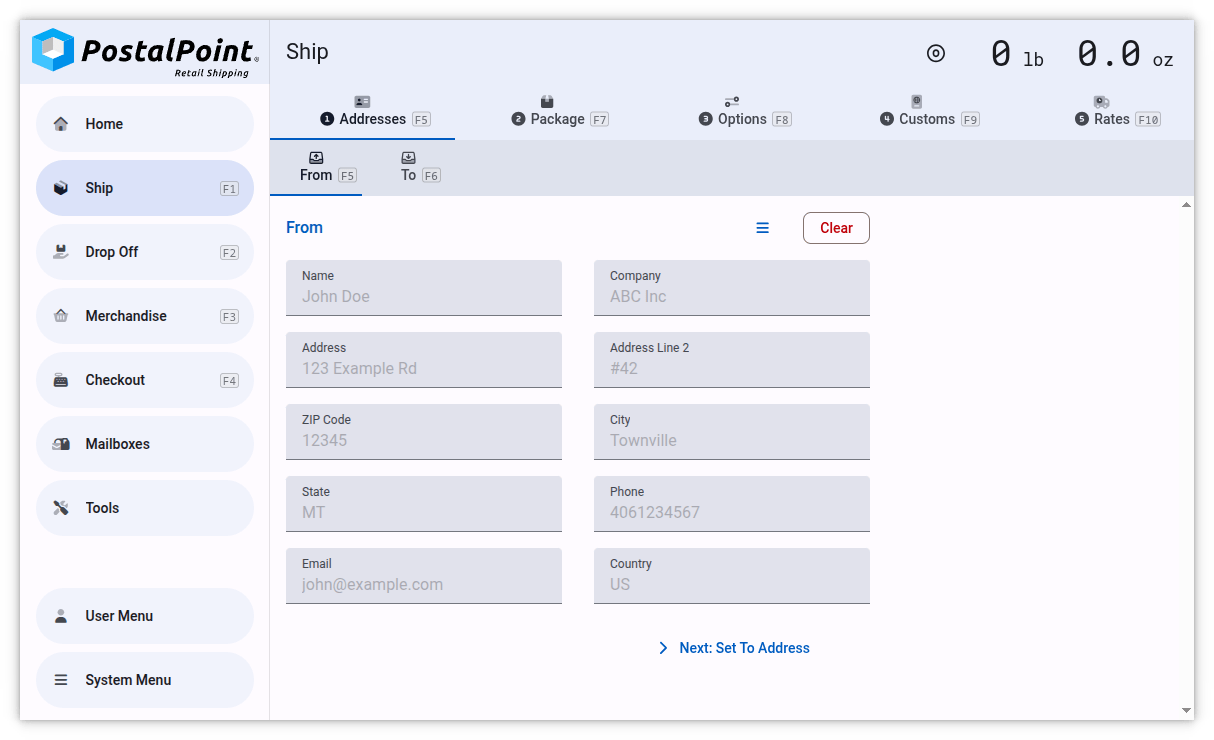
PostalPoint also has nice quality-of-life features, such as a recall button to load the last-used packaging dimensions (great when a customer is mailing several similar items). You can even scan the blue barcode on USPS Priority Mail boxes to instantly set in the correct flat rate or box size.
Drop Offs
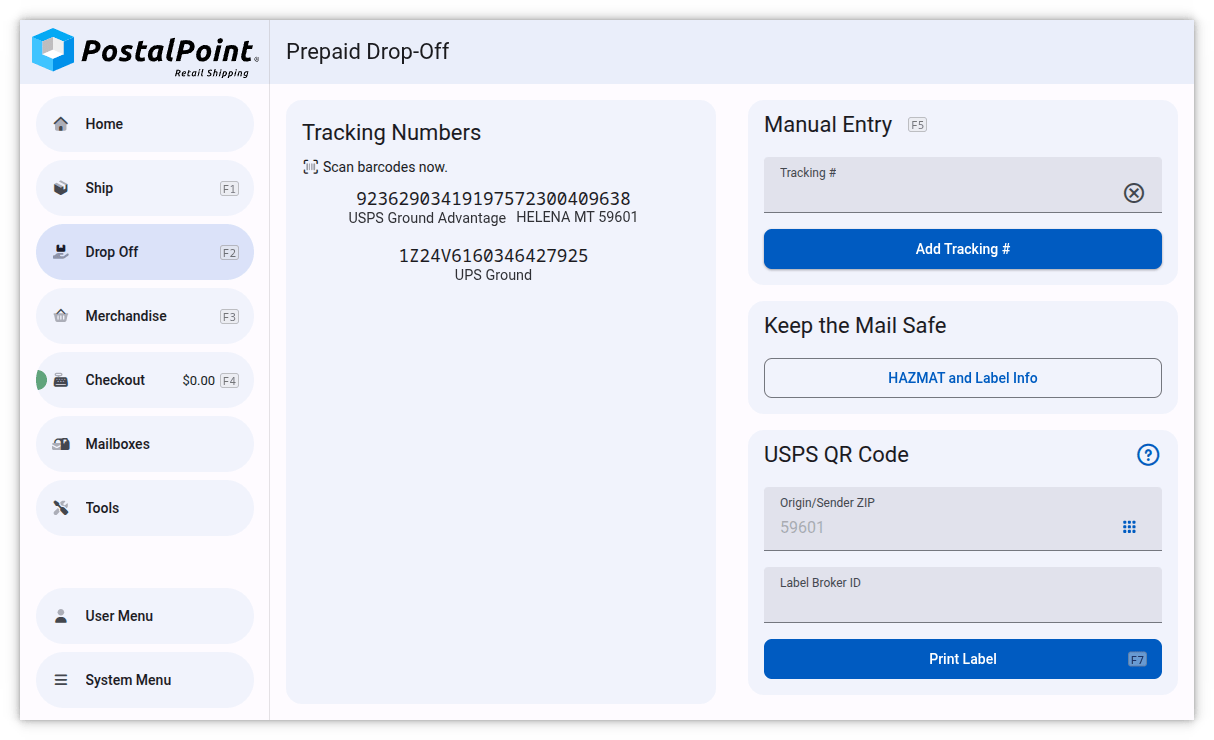
Handle annoying drop-off customers quickly and easily. Unlike with PostalMate, you can scan a label barcode and PostalPoint automatically detects the carrier and can even extract useful data, such as the shipping service being used, destination, and more to print on the customer's receipt.
Here's the entire step-by-step process of handling a normal prepaid drop off in PostalPoint: Press Drop Off and scan the packages, then press Checkout, Finish Transaction, Print Receipt, and Finalize. It takes under 10 seconds per customer, and you don't even need to worry about clicking into a text box before scanning a barcode.
Useful Tools
PostalPoint includes several useful tools, and more can be added with plugins.
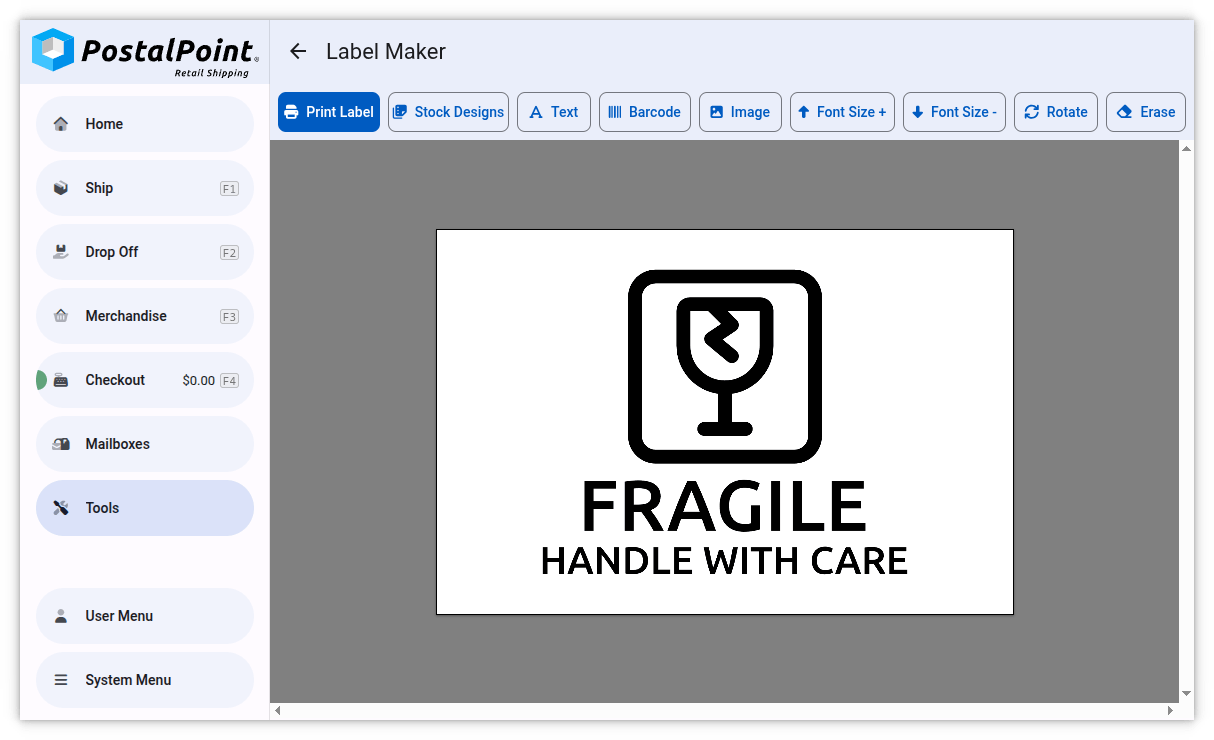
For example, the built-in Label Maker tool lets you create and print custom labels on your 4x6 shipping label printer. There's a library of commonly-used designs, but you can also create labels from text, a barcode, or an image or PDF. Does a customer have a prepaid shipping label on their phone? Open it in PostalPoint's Label Maker and it'll be automatically resized to fit and print perfectly with the push of a button.
Hardware Compatibility
PostalPoint supports the same label printers as PostalMate, but we also support other printers that might be a good fit when expanding your business, including many budget Chinese label printers, easy-to-use Brother QL printers, and even the older pre-Zebra Eltron printers often available on eBay for under $50.
In a pinch, you can even have PostalPoint print shipping labels and receipts on any printer connected to your computer, such as a laser printer.
PostalPoint also has broad support for barcode scanners, especially 2D scanners, and supports USB postage and shipping scales with zero setup.
Pricing
We believe your software should grow with you, not eat your margins.
With PostalPoint you pay 10% of your shipping profit, capped at $100/month. If you're just getting started with PostalPoint, or you have a slow month, you pay less. If business is booming, you pay a flat $100/month.
Compared to PostalMate's flat $125/month price, this means you're guaranteed to save at least $25 per month by switching!
We don't charge any setup or onboarding fees either, so that's another $295 saved versus PostalMate.
Mailbox Rentals
PostalPoint integrates mailbox rentals directly into the point of sale.
- Automated Rent: Securely save cards and charge rent automatically.
- Digital Form 1583: Scan a customer's driver's license, and PostalPoint instantly fills out the USPS Form 1583. The customer can even sign on a touchscreen, eliminating paper forms entirely.
- Mail Notifications: When you check in a package or deliver mail, the customer gets an automatic email. No more "do I have mail" phone calls!
Self-Serve Kiosk
While PostalMate is designed for a cashier-operated counter, PostalPoint can transform any touchscreen PC into a customer-facing self-serve shipping kiosk with the push of a button. The kiosk can handle simple label purchases and drop-offs without tying up an employee, effectively doubling your capacity, especially during peak season.
Migrating to PostalPoint
It's easy to move your data to PostalPoint.
Merchandise
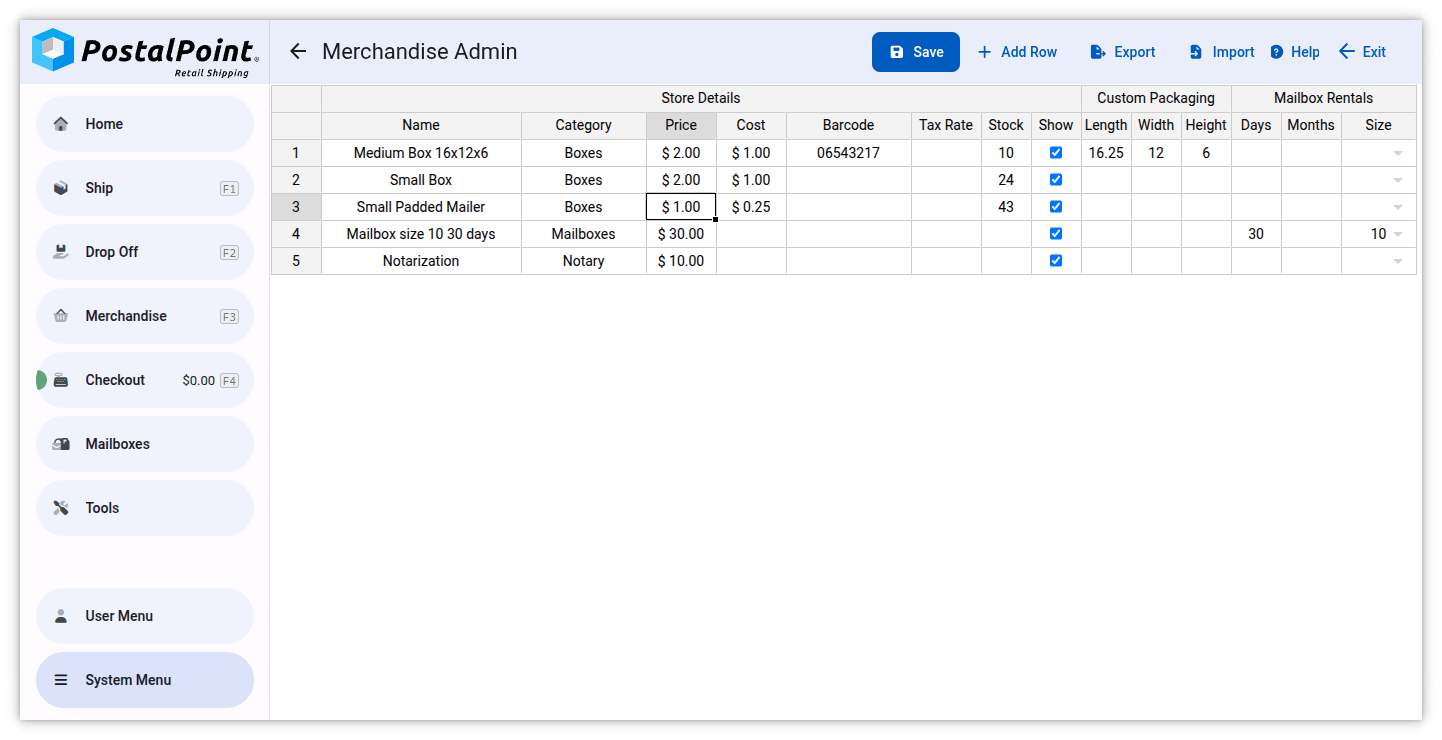
PostalPoint's merchandise system handles all non-shipping purchases, and you can manage it just like an Excel spreadsheet, so adding all your items to PostalPoint is super simple!
Customers and Addresses
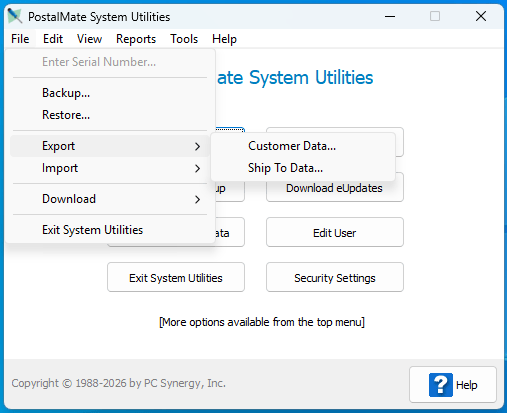
Moving your customer accounts to PostalPoint is even easier. Just open PostalMate System Utilities on your master PC and export your Customer Data and Ship To Data as spreadsheets. Then simply email them to [email protected] and we'll run the import for you. When we're done, your customers will appear in PostalPoint like magic, and ship-to names and addresses will pop up as autocomplete suggestions.
Ready to make the switch?
Transitioning from PostalMate doesn't have to be a headache. You can download PostalPoint for free today to explore and see the difference for yourself!